Recommendations are independently selected by our team but may result in a commission to Nice News, which helps keep our content free.
In an age when photos and information are at our fingertips, privacy is paramount. Thankfully, there are a ton of simple methods for protecting that privacy — in your home, online, and in public. Read on for a guide to making sure you and your space are secure.
At Home
Limit visibility from outside
Your home is your castle, and you should be able to live freely within it without worrying about ending up on TikTok in your underwear (however unlikely that scenario may seem).
Just like cars can have tinted windows, there are privacy films you can use on your home’s windows to prevent people from seeing inside. These are great options for those who like a lot of light in their space and don’t want to have the curtains pulled at all times.
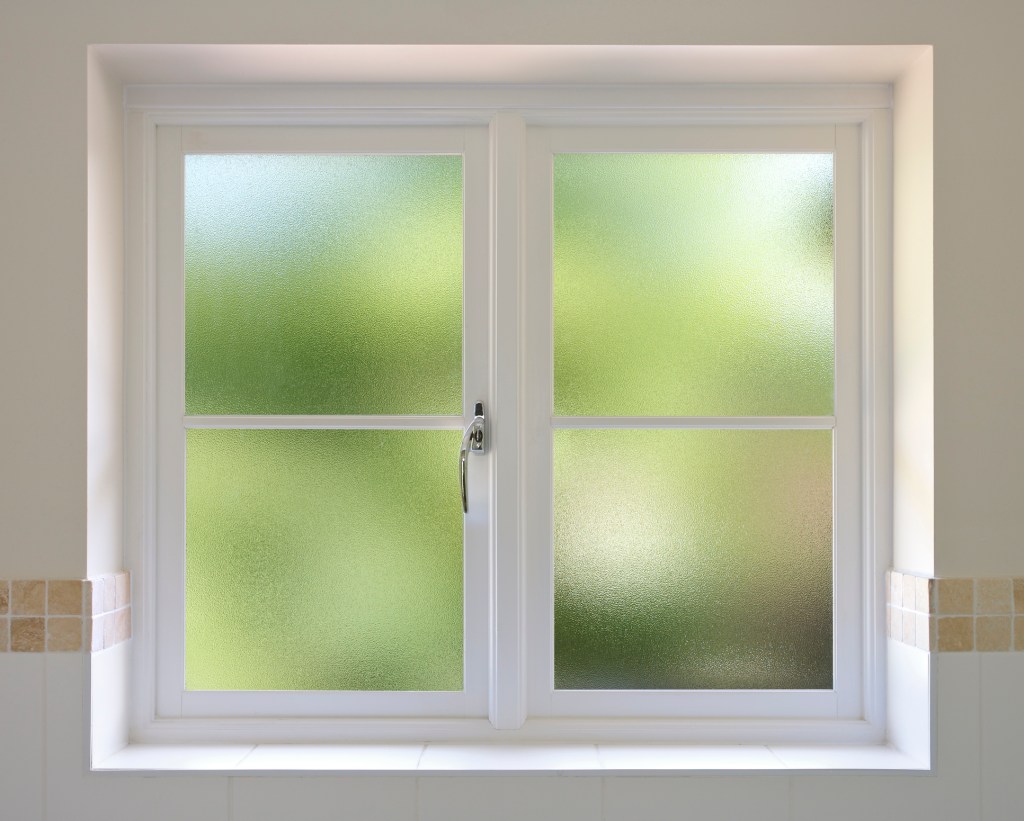
Some give the appearance of frosted glass, blurring what’s inside but still letting in plenty of light. Others work with daylight to create a mirror effect on the outside while remaining transparent from the inside. If you opt for this type, be sure to draw the curtains at night — the effect reverses after sundown and your lighted interior becomes visible to outsiders.
Reduce sound leakage
If you have thin walls and worry your neighbors can overhear your conversations, consider adding weatherstripping, rugs, curtains, or white-noise machines to help absorb sound. A more expensive option is to replace any single-pane with double-pane or triple-pane windows. These have the added benefit of keeping noise out as well as in, and they might also help you save on energy bills.
Protect personal information
When you take out the trash, make sure your personal information isn’t visible. This could include mail containing your driver’s license number or bank account information, as well as tax statements, prescription labels on bottles, and more. Shred sensitive documents or use a redaction marker before tossing them for extra protection.
Online
Keep your accounts secure
A report from late last year found that the most common password across 44 different countries was (drumroll, please) … 123456. Folks, we beseech you, if you want to improve your privacy, do not hop on that predictable bandwagon. Instead, choose long passwords that include a mix of letters, numbers, and symbols. NordPass, the company that co-produces the annual report, recommends 20 characters, per USA Today, but 12-16 is also a strong range.
Best practice is to use a unique password for each account. If that sounds like too much brainpower, this generator is helpful for creating random combinations. Be sure to store your passwords in a document or manager that’s also protected with a password (just don’t forget that one!). Get more tips on creating strong passwords.
Surf the web more privately
Certain web browsers are better than others when it comes to ensuring your information remains private. So if you’re concerned with keeping your online activity to yourself (e.g., having less of your data collected), you may want to swap Chrome or Safari for Brave, Tor Browser, or Firefox, all of which offer more robust privacy protection, according to Reader’s Digest. Learn what sets them apart.
Even if you don’t change browsers entirely, there are extensions you can install that not only block ads but also limit third-party tracking. One free option is uBlock Origin Lite, an open-source extension that blocks ads, trackers, data miners, and more. Another is Privacy Badger, created by a digital rights nonprofit “to stop companies from spying on you online.”
Search without leaving a trace
Google is certainly the most popular search engine, but it’s far from the only one out there that returns quality results. PCMag recently evaluated 12 other options, noting that “alternative search engines often offer more privacy.” The two that received the top scores for privacy and anonymity are Brave Search and DuckDuckGo, respectively.
Consider using a VPN
To really maximize your privacy online, you may want to invest in a VPN, or virtual private network, in addition to the above suggestions. VPNs encrypt your internet connection by masking your IP address, and they’re especially helpful for keeping your info safe when you’re traveling or using public Wi-Fi networks, which hackers can more easily infiltrate than private ones. Even at home, though, VPNs can be useful for preventing your internet service provider from gathering information about your browsing that it may then sell to advertisers, per PCMag. See which VPNs the outlet recommends.
In Public
Be mindful of what you share aloud
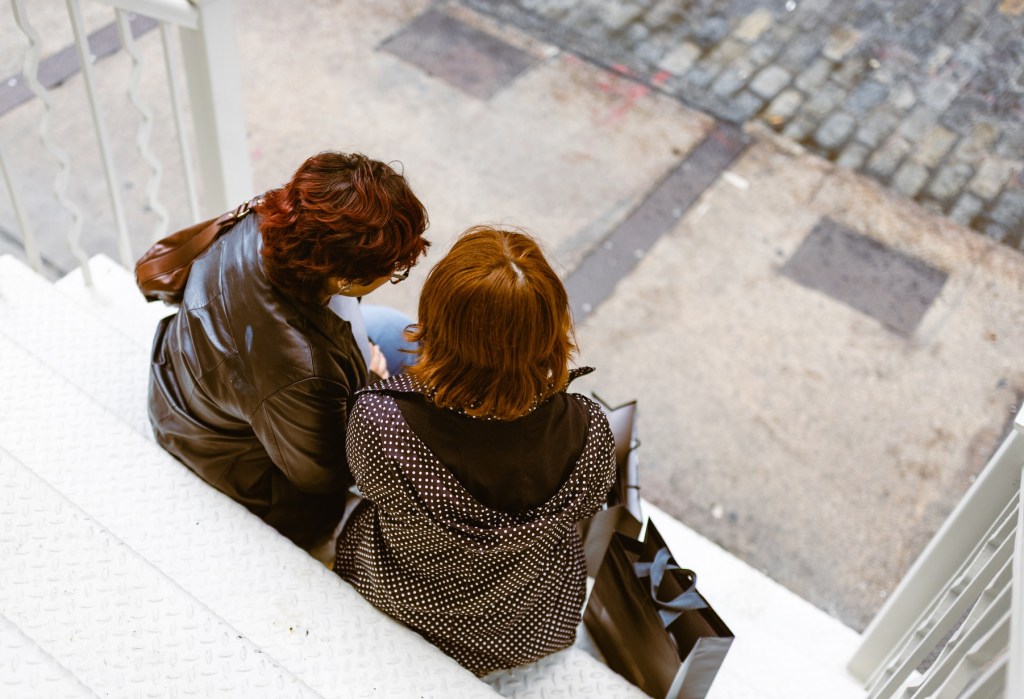
Far be it from us to suggest you shouldn’t let loose and use your outdoor voice when strolling around your city — but we will point out that loudly mentioning your bank balance to a friend or giving your social security number over the phone while in earshot of others is not the best move. The same goes for any details of your life you wouldn’t want a stranger to know. It’s also a good idea to be mindful when you’re walking by doorbell cameras that record sound and video.
Don’t post your real-time location online
There are lots of fun ways to keep your friends abreast of your goings-on, like “check in” features on social media apps. But if you have a public profile, you may want to avoid posting your real-time location, and instead opt to publish things on a delay, Cottonwood Psychology advised. Similar discretion should be taken when it comes to sharing daily routines that involve specific spots, like where you always walk or which coffee shop you visit every morning.
Protect your credit cards
Who among us hasn’t lost a wallet at some point? While most financial institutions will work with clients to cancel fraudulent charges when credit card numbers wind up in the wrong hands, there are preventative measures you can take to avoid it happening in the first place.
Today, thieves don’t actually need to put their paws on your plastic — they can remotely read anything with a chip by using an RFID, or Radio Frequency Identification, scanner. Although this really isn’t something to lose sleep over, if you do want to up your protection, choose an RFID-blocking wallet, particularly when traveling in countries where tourists may be targeted.
RELATED: It’s Tax Season: 6 Security Tips to Protect Your Online Privacy & Avoid Scammers