
All it takes is a rising tide or gust of wind, and the footprints we leave in the sand or dirt vanish in an instant. But our digital footprints — the trail of data we leave all over the internet — are another matter entirely. Though we create and forget about them as regularly as our physical tracks, they tend to stick around for much longer (as anyone with decades-old Facebook photo albums can attest).
Digital footprints can exist in many forms: You leave them behind any time you tell the internet something about yourself, whether you’re posting a pic on social media, entering your credit card info while online shopping, or creating a website account of any kind. These are called active digital footprints, since you’re choosing to share the information.

But there are also passive digital footprints, which you create unknowingly. These can be collected through your browser history, Internet Protocol, or IP, address, or social media scrolls that help inform your algorithm.
Luckily, knowledge is power when it comes to protecting your online data. So if you’ve never paid much attention to your digital footprint, peruse our primer on the impact it can have, as well as some steps you can take to clean it up.
Why Does It Matter?
On the surface, it may seem harmless to have a large digital footprint; after all, it’s not like you’re including passwords in your Instagram captions for the world to see. But plenty of third parties can still gain access to information that helps them learn more about you, whether you share it conspicuously or not — and some may have malicious intent.
Have you ever received an online ad for the exact product you were browsing for just hours earlier? This could be an example of third-party tracking, when a website you visit allows a marketing company to monitor your activity. In fact, between social media activity and internet searches, downloads, and purchases, advertisers can form a fairly comprehensive idea of your purchasing habits and preferences.
Professionally speaking, your online presence may also impact job prospects or your current role. Questionable social media posts, especially ones that complain about previous employers, could hurt your chances of getting hired or keeping your position.

“It’s fine to be honest and talk about hard things, but frame it around what you’re learning and how you’re growing,” career coach Lisa Orbé-Austin told Harvard Business Review, adding: “If you go out there guns blazing, there can be severe long-term consequences.” But on the flip side, she noted, a strategic digital paper trail that showcases your accomplishments and passions could help you become a more desirable candidate.
And on a more nefarious note, cybercriminals can attempt to access people’s data for a variety of malicious reasons: They could be looking to hack into your accounts, steal your identity, or use information about your life for illicit purposes like harassment or doxing.
How to Clean Up Your Digital Footprint
Lock Down Your Gateway Accounts
Back in February, we spoke to social media-famous Cybersecurity Girl (aka Caitlin Sarian) about how to protect your privacy online. The first step she advises people to take? Identify your “gateway accounts” — the ones that essentially hold the keys to your digital life, like your email, banking, primary social media, cloud storage, and phone carrier — and ensure they have strong passwords to keep hackers out.
Tempting as it may be to make “TotallySecure1234” the password for all of your accounts, the Cybersecurity & Infrastructure Security Agency, or CISA, recommends creating a unique one for each login. Then use a password manager, such as LastPass, to securely store and autofill them for you as needed (more info on that here).
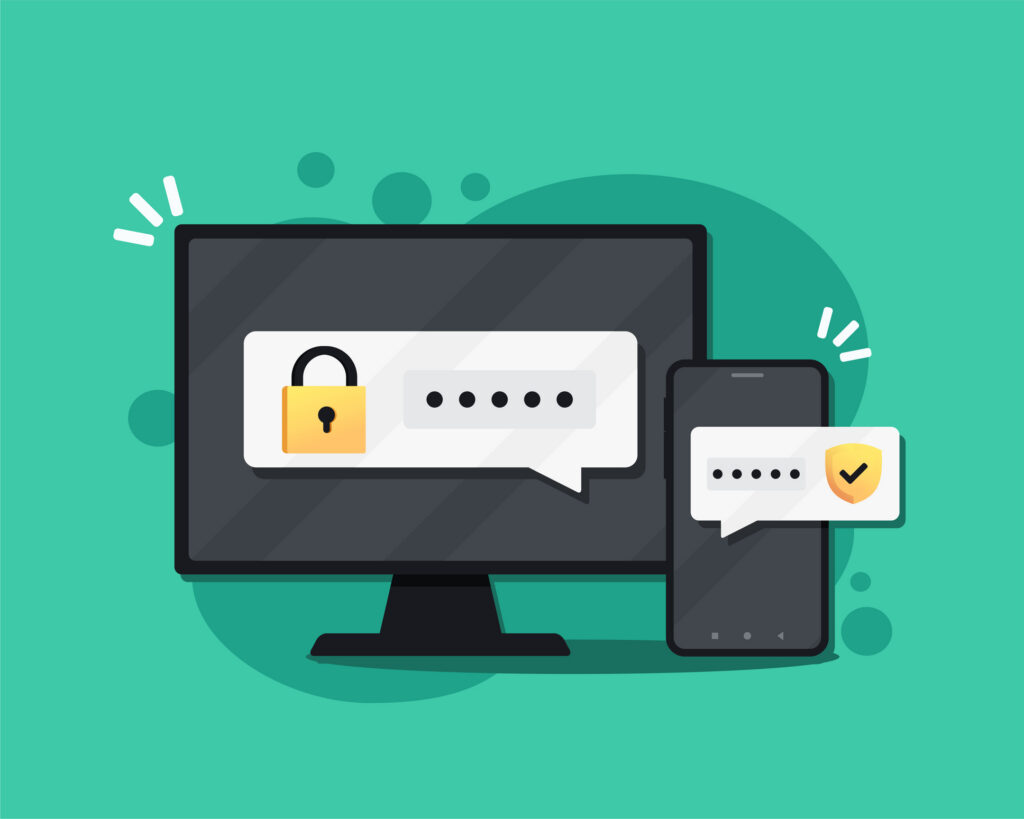
As for the passwords themselves, make them long (CISA advises at least 16 characters) and a random combination of letters, numbers, and symbols. And if you have the option to turn on two-factor or multi-factor authentication, go ahead and do it — according to CISA, the latter will make your account 99% less likely to be hacked.
Trim Your Online Presence
Now that your gateway accounts are more secure, it’s time to wipe away some of those extraneous digital footprints. Chances are you’ve created accounts through online shopping websites, streaming services, and other platforms that you no longer need or use. But as Micah Hoffman, owner of a cybersecurity training company, told Consumer Reports, “When there’s a data breach or some other compromise of a system, attackers can grab usernames, passwords, and email addresses, and reuse those credentials to break into other accounts.”
Here are a few ways to track down those long-lost logins:
- Search your email for phrases like “your account,” “welcome,” and “verify”
- Google old usernames and see what pops up
- Check your Google and social media accounts for synced logins
- Scour your credit card statements for recurring subscription payments
Then, make sure you’re not just removing the site from your bookmarks or the app from your phone, but actually deleting your account via the service’s settings — this page directs you to instructions for a number of websites.
To minimize your presence with Google specifically, utilize its free service to remove personal information from searches. And if you’re tired of inbox clutter, take that extra moment to unsubscribe from emails you don’t read. Here’s an in-depth guide to get started.
Manage Your Passive Digital Footprint
As Sarian told us, complete control over your online privacy isn’t realistic, but meaningful control is. One way to manage your digital exposure is through privacy settings. In Google accounts, for instance, you can decide what type of activity gets saved and how long it gets saved for. To tweak settings like these for other popular services, use this guide from the National Cybersecurity Alliance, which directs you to dozens of platforms’ privacy pages.
Along those same lines, set your social media accounts to “private” and review their permissions. Some apps will ask for access to your camera, location, contacts, and more, which you may forget about once you grant it. And when it comes to website cookies, aka text files often used to gather personal data, most popular internet browsers allow you to block them — this site can show you how.
Another way to protect your data? Employ a VPN, or virtual private network, both at home and when using your computer in public. These networks help secure your online activity by sending your web traffic through an encrypted tunnel to a VPN server, hiding your IP address and personal data. Learn more about how to choose a VPN here.
We hope these tips help prevent your accounts from being exposed in a data breach, but if you suspect that a hacker may be using your personal information, head to IdentityTheft.gov to report it and get a recovery plan.
RELATED: Ways to Boost Your Privacy — at Home, Online, and in Public